Tutorial 06
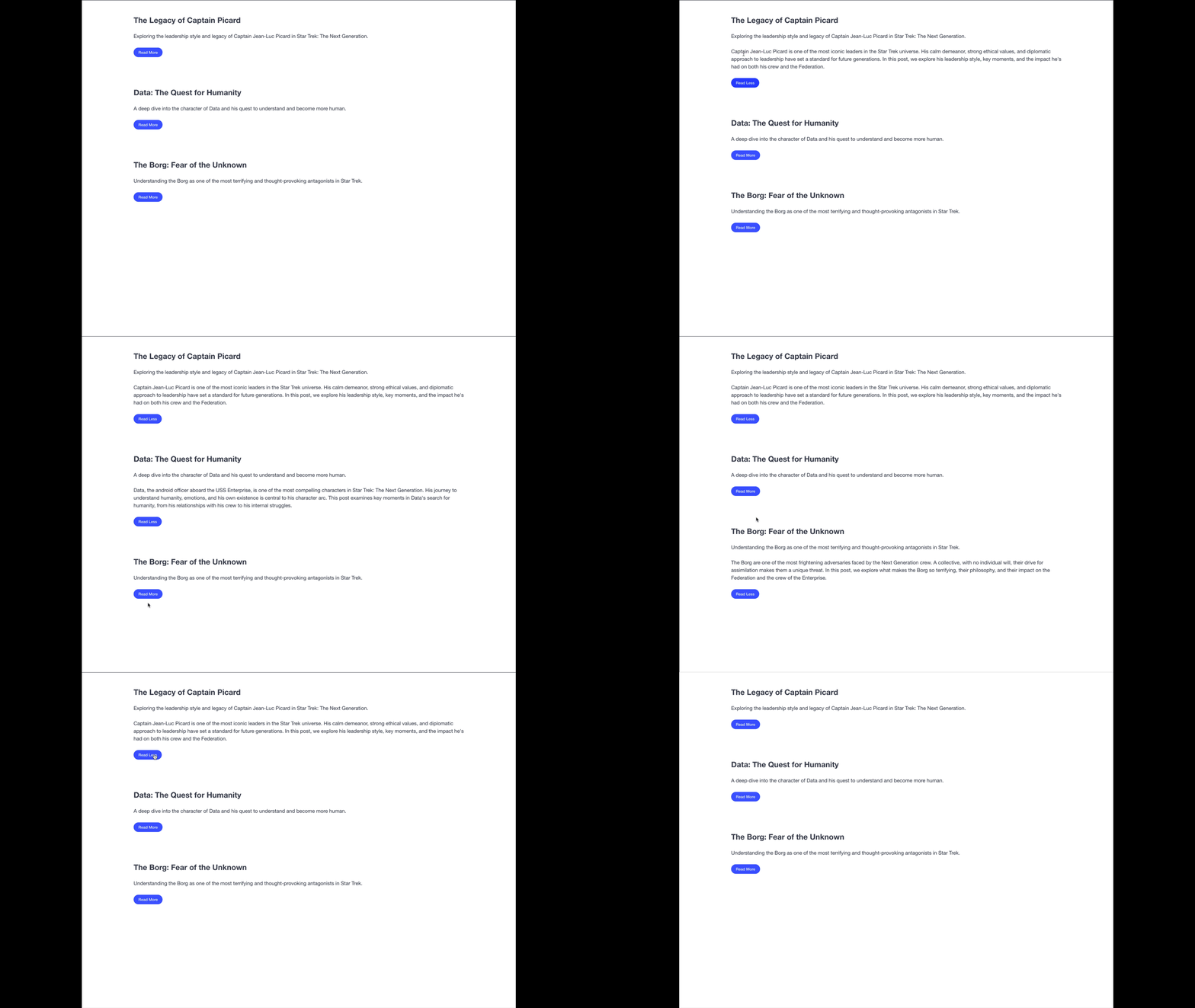
Solution
The JavaScript code:
const init = async function () {
    const containerElement = document.querySelector(".container")

    // the docker container must be running for this to be successful.
    const res = await fetch("http://localhost:8080/blog-posts")
    const data = await res.json()

    data.forEach((post) => {
        // this will run for every item in the data array
        // and each item in the data array is a post.
        // we want to generate the HTML needed for a blog post.
        const sectionElement = document.createElement("section")
        sectionElement.classList.add("section")
        const blogPostHTML = `
            <h1 class="subtitle is-size-4 has-text-weight-bold">${post.post_name}</h1>
            <h2 class="content">
            ${post.blurb}
            </h2>
            <p class="content is-hidden">
                ${post.content}
            </p>
            <button class="button is-link is-rounded is-small">Read Less</button>
        `

        sectionElement.innerHTML = blogPostHTML

        // once I have the section elemenet for the current blog post
        // I need to add it as a child to the container element.
        containerElement.append(sectionElement)
    })

    // when I get here, all the DOM has been added already.
    const buttons = document.querySelectorAll("button.button")

    buttons.forEach((button) => {
        button.addEventListener("click", () => {
            const currentText = button.innerText
            if (currentText.includes("Less")) {
                button.innerText = "Read More"
            } else {
                button.innerText = "Read Less"
            }


            // i need to get the <p> element that belongs to the same post
            // that this button belongs to as well.
            const sectionParent = button.parentElement
            const thisPChild = sectionParent.querySelector("p")
            thisPChild.classList.toggle("is-hidden")
        })
    })
}

init()